Broken flows
Dead buttons, forms that won’t send, links to nowhere and scripts that crash on load.
- A form cannot be submitted at alllanding, pricing
- A link leads nowherelanding, pricing, settings
- The page hits an error in its code as it loadspricing
IT
Agents use every page of your app in a real browser and show you each failure, with the proof to reproduce it.

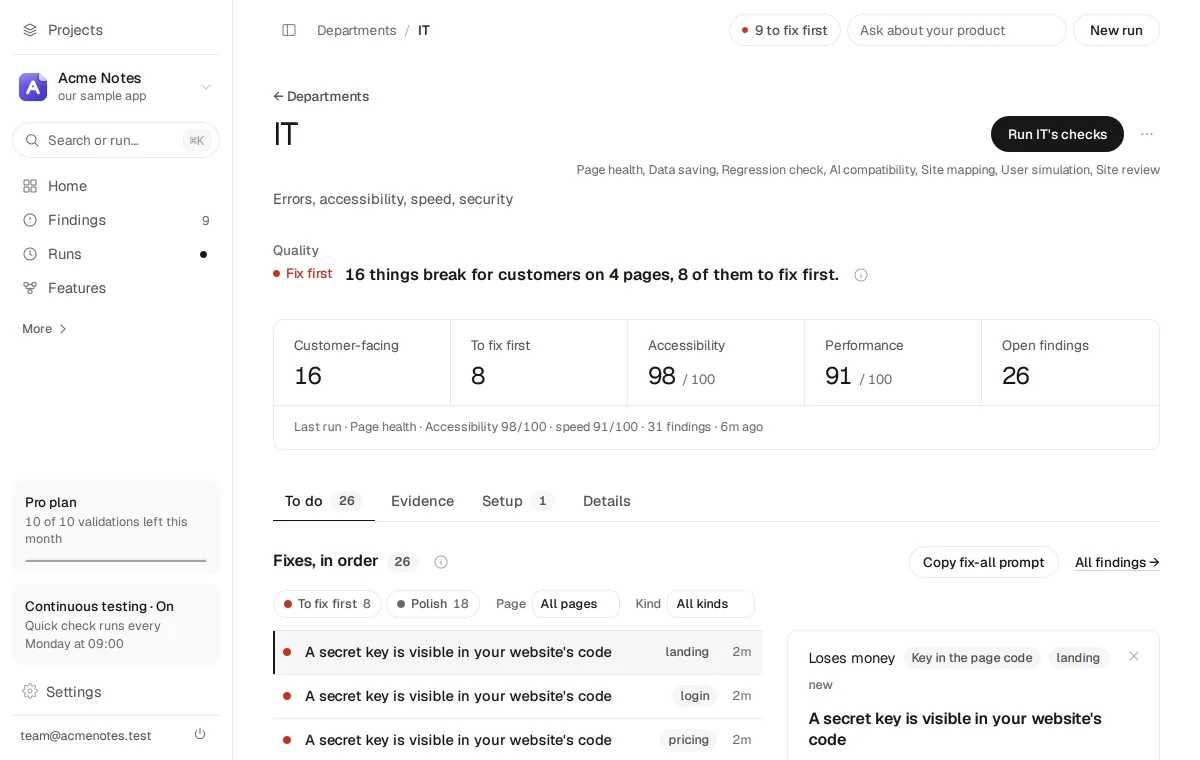
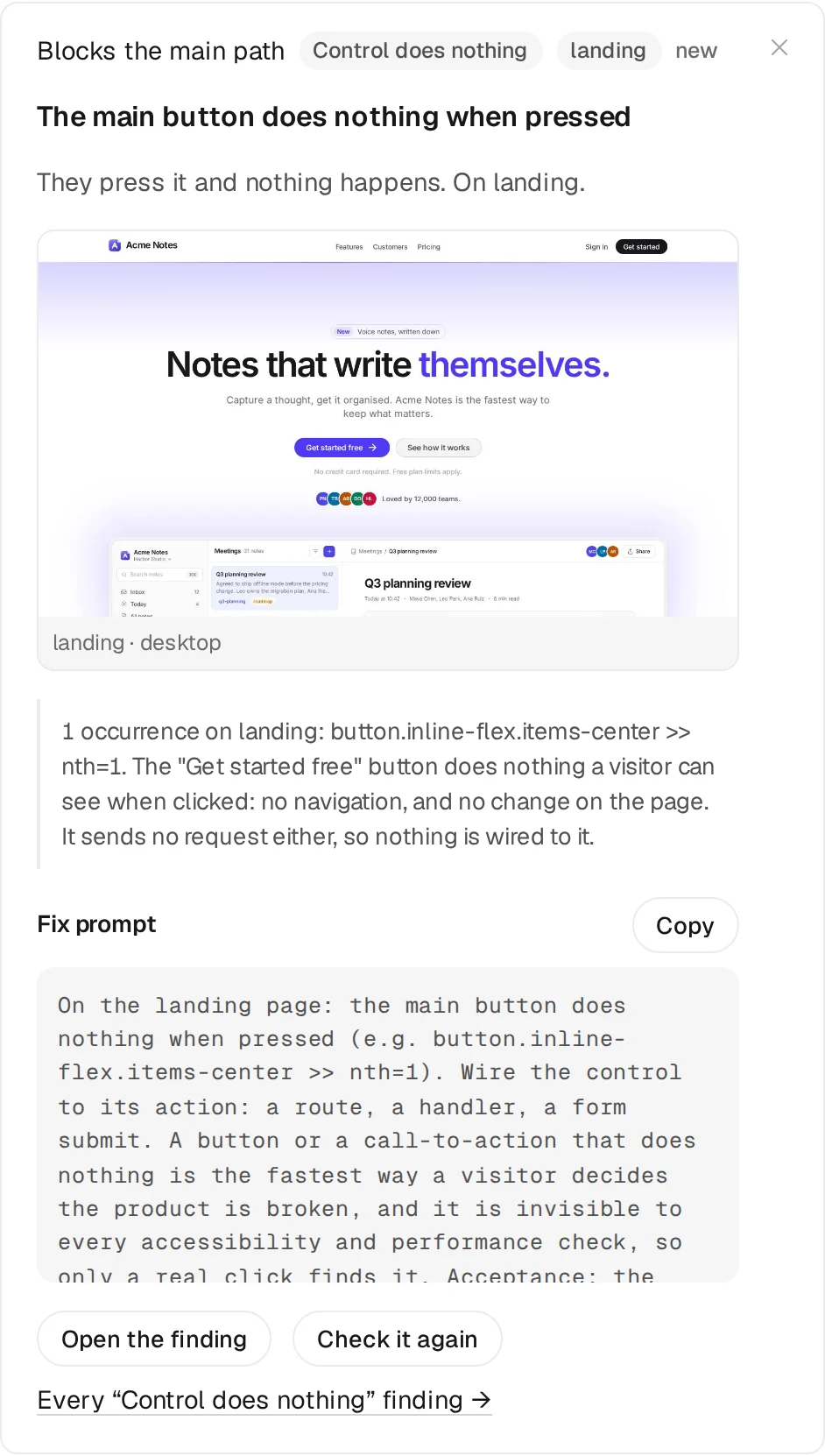
Each finding says what happened and what the browser saw, and comes with a fix your coding agent can apply.
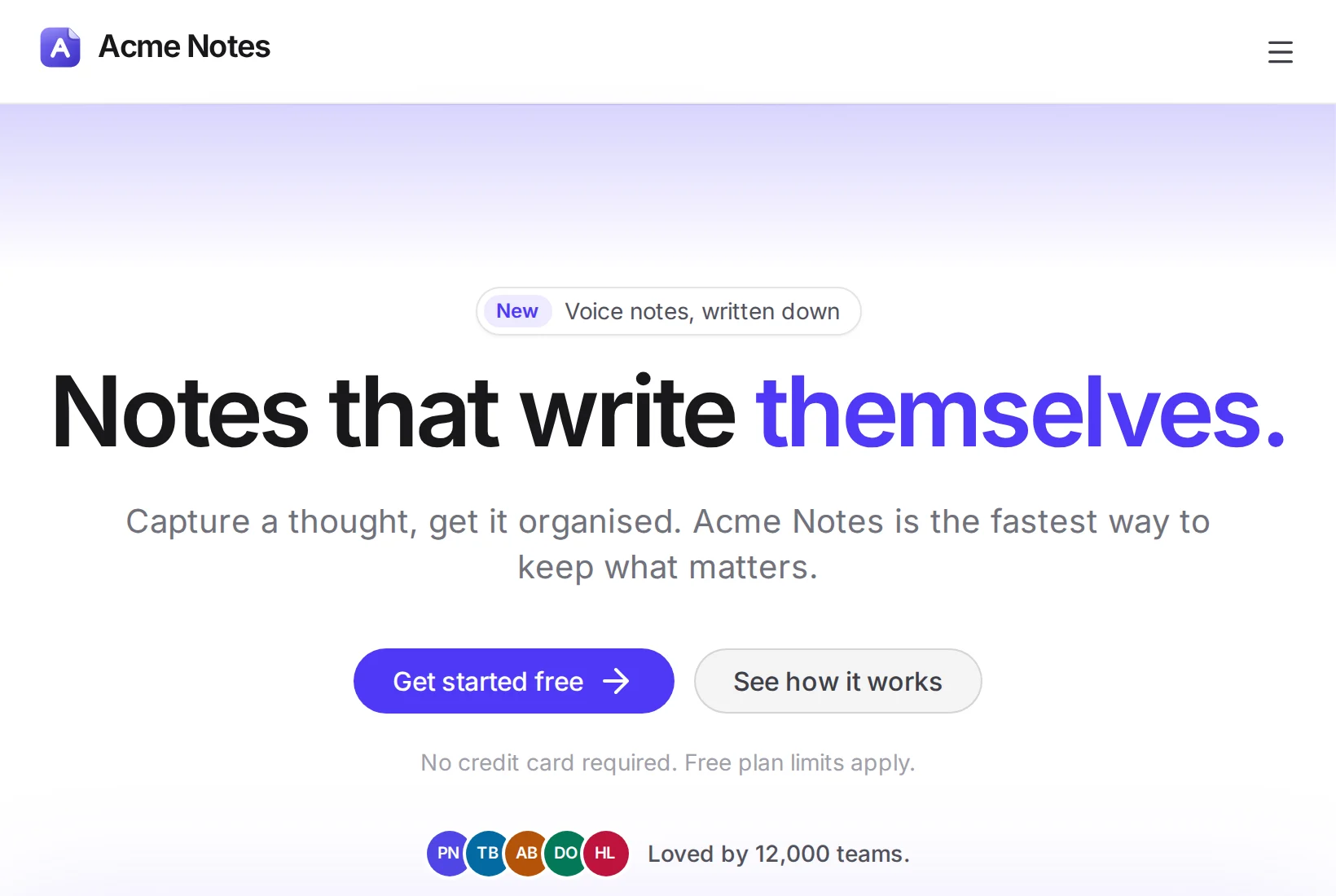
One at a time, on a fresh page. Anything that looks like a payment or a delete is left alone.
The “Get started free” button does nothing a visitor can see when clicked: no navigation, and no change on the page. It sends no request either, so nothing is wired to it.
Every finding comes with a prompt for your coding agent, and a re-check to confirm the fix worked.
Acme Notes is our sample app, with bugs planted on purpose. Across five pages, on desktop and phone, 16 of them break things for customers.
Dead buttons, forms that won’t send, links to nowhere and scripts that crash on load.
It saves a change, then checks from a fresh browser that the change was kept.
Exposed keys, passwords over plain http, unsafe cookies and libraries with known holes.
Every page against WCAG 2.2, with axe-core and checks of our own.
How fast each page loads, how much it jumps and how quickly the server answers.
Every page again at phone width, for sideways scrolling and buttons too small to tap.
Confirm a finding and it becomes a check that runs every time.
You mark the bug as real while it is still there.
The check fails on the bug, which proves it can see it.
You fix it, and the check passes from then on.
If the bug returns, the finding reopens as ship-blocking.
Every run also photographs each page and compares it with the last look you accepted. How regression checks work
The standards and research behind its findings. Each one links to its source.
No. It opens your app from its address, in a real browser, the way a customer arrives, and reports what the app did.
Yes. Save a test account and it signs in first. Use a login made for testing, never your own, and never one with billing or admin rights.
Testing behind a loginIt clicks things, so give it an account whose data you would not miss. It skips payments and anything that cannot be undone, and submits forms with test data only if you switch on Live product writes.
Re-check that one finding. A finding you confirm becomes a check on every run, and reopens as ship-blocking if the bug comes back.
How regression checks workButtons, forms, saves, speed, accessibility, security, phone layout, AI assistant access, a map of your app and re-checks of fixed bugs.
Paste a link to run your first check. No account needed.
Checks that don’t use AI are free on every plan. No card needed. See pricing